Mail Guard. No client waits for a reply, no promise is forgotten
An AI agent reads your team’s inboxes, gives everyone a list of things to handle every morning, reminds people of what they promised clients and reports stuck matters to their manager.
You learn from the client that they waited a week
A client’s e-mail gets buried under newsletters and notifications.
A salesperson promised a quote "by Friday" and forgot about it.
When someone is on holiday, nobody knows who is waiting for a reply.
You check your team’s inboxes yourself or not at all.
Mail Guard checks the inboxes for you and tells you who needs a reply today and about what.
In the morning everyone knows who to reply to
Clients get replies on time
Every employee knows in the morning who is waiting for a reply and since when. Clients are at the top of the list.
Promises are kept
AI picks up commitments in sent e-mails, such as "I will send the quote by Wednesday", and sends a reminder the day before.
You know where things are stuck
The manager gets a list of matters waiting longer than the agreed time, with the name of the employee and the client.
Client arrears under control
Mail Guard reminds you of overdue invoices and of matters the client has not answered. You know when to follow up.
What Mail Guard includes
Morning plan for the day
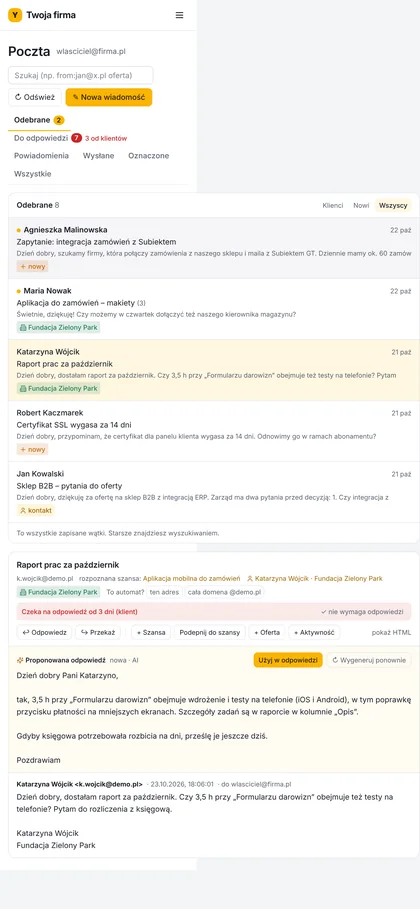
On working days at 7:00 everyone gets a list of matters by e-mail and in the panel: clients without a reply, promises with a deadline, overdue payments.
People separated from automated mail
Newsletters, system notifications and bulk e-mails are set aside, so the list only holds matters from people.
Commitment detection
AI reads sent e-mails and records what the employee promised the client and by when. It sends a reminder before the deadline and after it.
Escalation to the manager
Client matters left without a reply for longer than the agreed time (for example 24 hours) go to the manager or the owner.
Reply draft
For an e-mail from a client, AI drafts a reply. The employee edits it and sends it; nothing goes out on its own.
How we implement Mail Guard
Assessment
We agree whose inboxes are covered, who reports to whom and after how long a matter goes up to the manager.
Connecting the inboxes
We connect your team’s inboxes in Gmail (Google Workspace) or Outlook (Microsoft 365) and the client list from your CRM or a spreadsheet.
Trial week
Mail Guard runs on real e-mail, and together with your team we adjust what it treats as automated mail and what as a client matter.
Daily work
The team gets morning plans, the manager gets escalations, and we keep it running within the subscription.
Assessment
We agree whose inboxes are covered, who reports to whom and after how long a matter goes up to the manager.
Connecting the inboxes
We connect your team’s inboxes in Gmail (Google Workspace) or Outlook (Microsoft 365) and the client list from your CRM or a spreadsheet.
Trial week
Mail Guard runs on real e-mail, and together with your team we adjust what it treats as automated mail and what as a client matter.
Daily work
The team gets morning plans, the manager gets escalations, and we keep it running within the subscription.
Case study
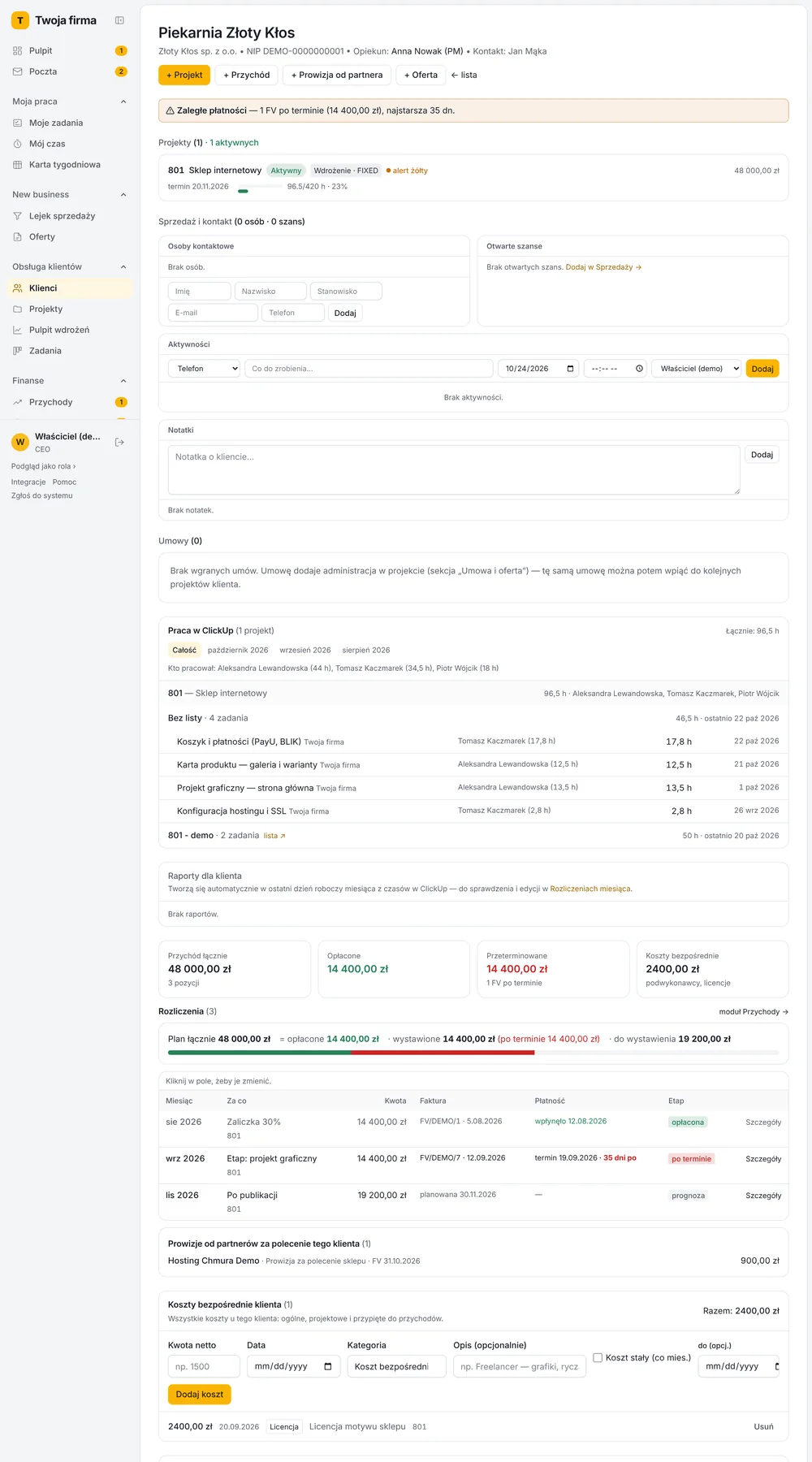
Mail Guard runs in a service company as part of its system. Every morning it prepares a plan for the day for salespeople and project managers, and the owner sees the employees whose clients have been waiting for a reply for more than a day. It is built into Yolk, and as a separate product it works with the company’s e-mail alone.
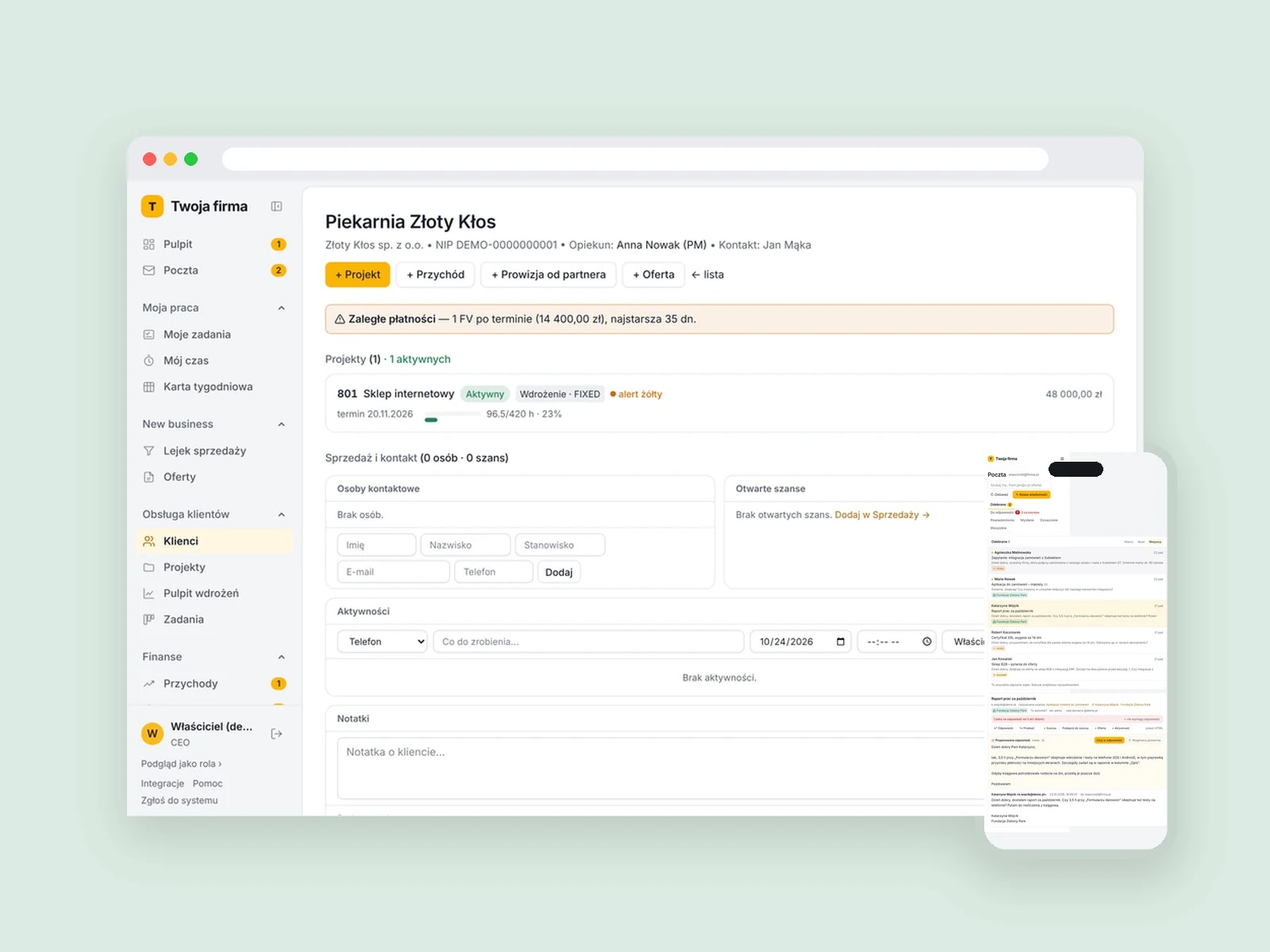
This solution is not for a one-person company with a single inbox, or for a team that talks to clients mostly by phone and messaging apps. If you want AI to answer typical inquiries on its own, see AI automation.
AI process automationWhat clients ask us
before they decide
The questions we hear most often about Mail Guard.
Yes, and it is a condition of the implementation. We agree the rules with you, inform the team, and Mail Guard covers only business inboxes. Everyone sees their own plan for the day, and the manager only sees matters that went past the agreed time.
No. AI prepares reply drafts and reminders, and a person always decides whether to send.
Mail Guard stores the headers and short excerpts needed for the list of matters. It fetches the full content from the inbox only when a thread is opened. We process the data under a data processing agreement.
Yes. We connect inboxes in Gmail (Google Workspace) or Outlook (Microsoft 365).
From your client list in your CRM or a spreadsheet and from the domains of their addresses. If it does not recognize a sender, the employee marks it with one click.
How we price the work
We give the exact price after the assessment, once we know how many inboxes are covered and where the client list comes from. The subscription depends on the number of inboxes.
Book a demo- 01
Implementation
Connecting the inboxes and the client list, setting the escalation rules and a trial week with your team.
Fixed price
- 02
Subscription
The AI agent, morning plans, escalations, updates and support.
Monthly, by number of inboxes
See Mail Guard in action
In the demo we show the system on sample data, answer your questions and check whether it fits the way your company works.