Process automation with AI
AI reads invoices, orders and e-mails, moves data between systems, assigns requests and prepares replies. We connect it to your ERP, CRM and mail, and your team stops retyping documents and answering the same questions from scratch.
Invoices, orders and e-mails without retyping
Integrations with ERP, CRM, mail and spreadsheets
Staff approval for important steps
Support and development after launch
Your team spends hours on work that can be described in a few steps
Invoices, orders and contracts arrive by e-mail as PDFs, and someone retypes them into the system by hand.
Your team answers the same client questions from scratch every day.
Data from forms, the shop and the CRM has to be copied into Excel before anything can be calculated.
Requests land in one inbox and wait until someone reads them and passes them on.
Employees each use ChatGPT their own way, and the company does not know what data goes into it.
Automation takes over the repetitive steps, and your people deal with matters that need a decision.
How much does the work AI can take over cost you?
The numbers are examples for a company with a few dozen employees. Untick what does not apply to you and set the hours your whole team spends on it each month.
- 100 h / month
- 80 h / month
- 70 h / month
- 40 h / month
- 40 h / month
Manual work in the selected processes
330 hours a month
that is 2 full-time jobs
Cost per year
PLN 237,600
PLN 19,800 a month
What automation changes
- AI reads the document and enters the data into the system, and staff only approve doubtful items.
- AI writes the reply from your procedures and data, and your team does not compose the same message yet again.
- Data moves between systems on its own, with no copying.
- AI recognizes the topic and urgency of a request and assigns it to a department or person.
- Reports and summaries are created automatically from current data.
A rough estimate. In the assessment we calculate it with your company data.
Your team makes the decisions, automation does the rest
Documents are read in automatically
AI reads invoices, orders, contracts and forms, pulls the data out and enters it into the system.
Replies ready to send
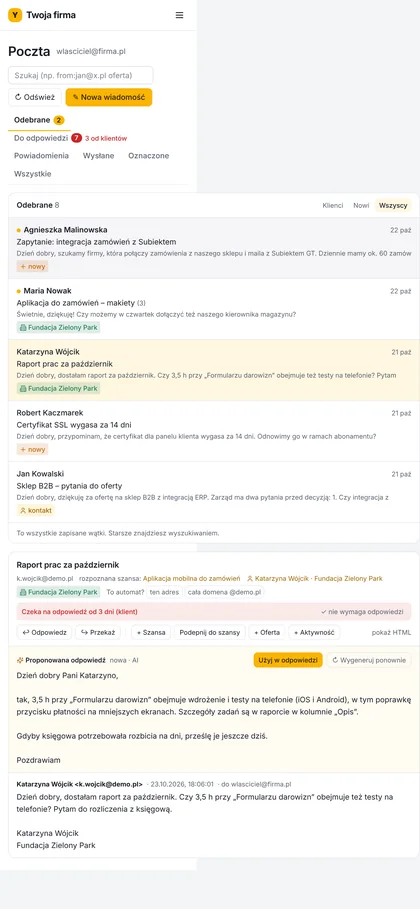
AI prepares replies to common questions based on your procedures. Clients get answers sooner, and your team has time for harder cases.
Requests reach the right person
AI recognizes the topic and urgency of a request and assigns it to a department or person.
Systems exchange data on their own
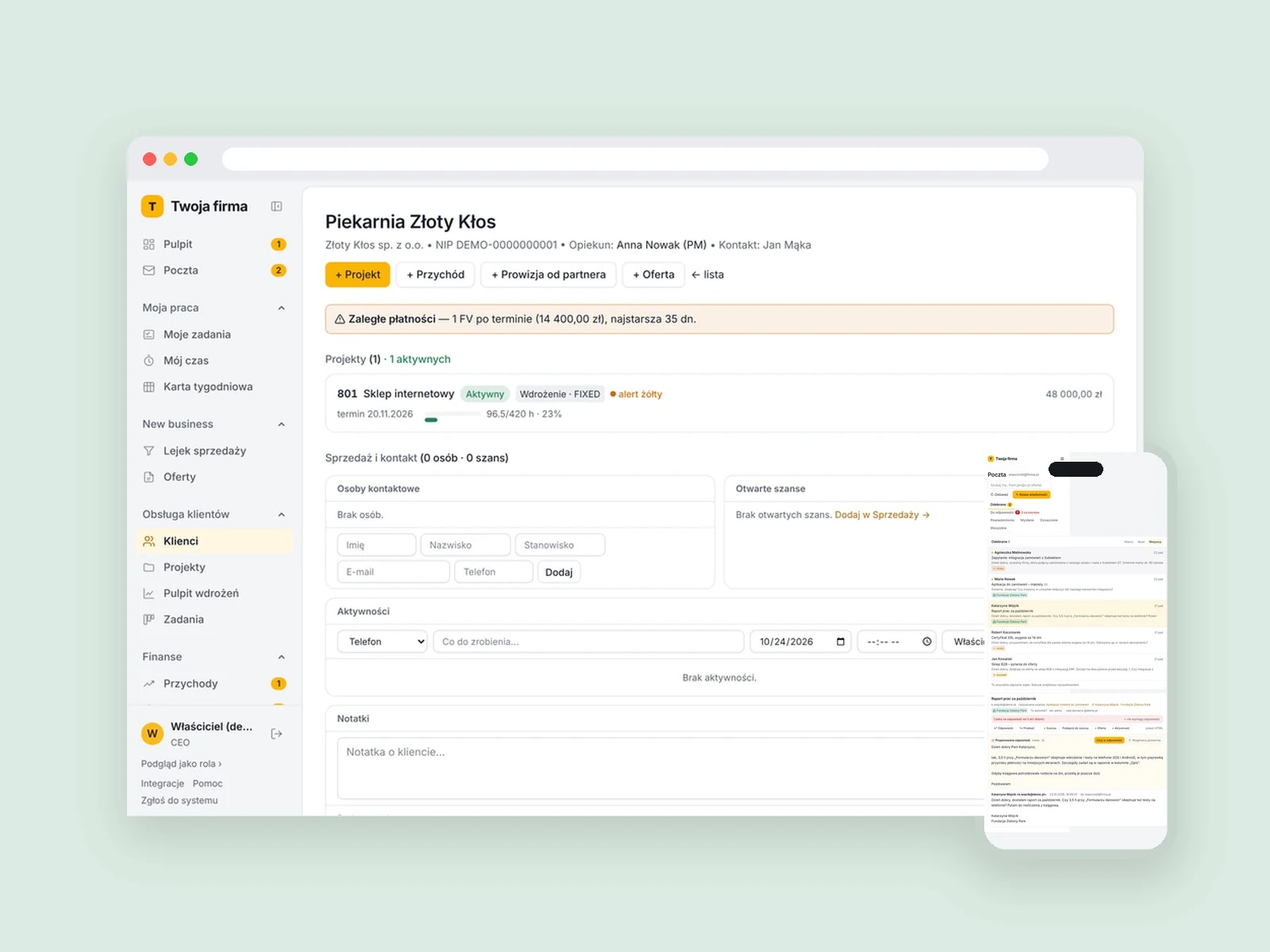
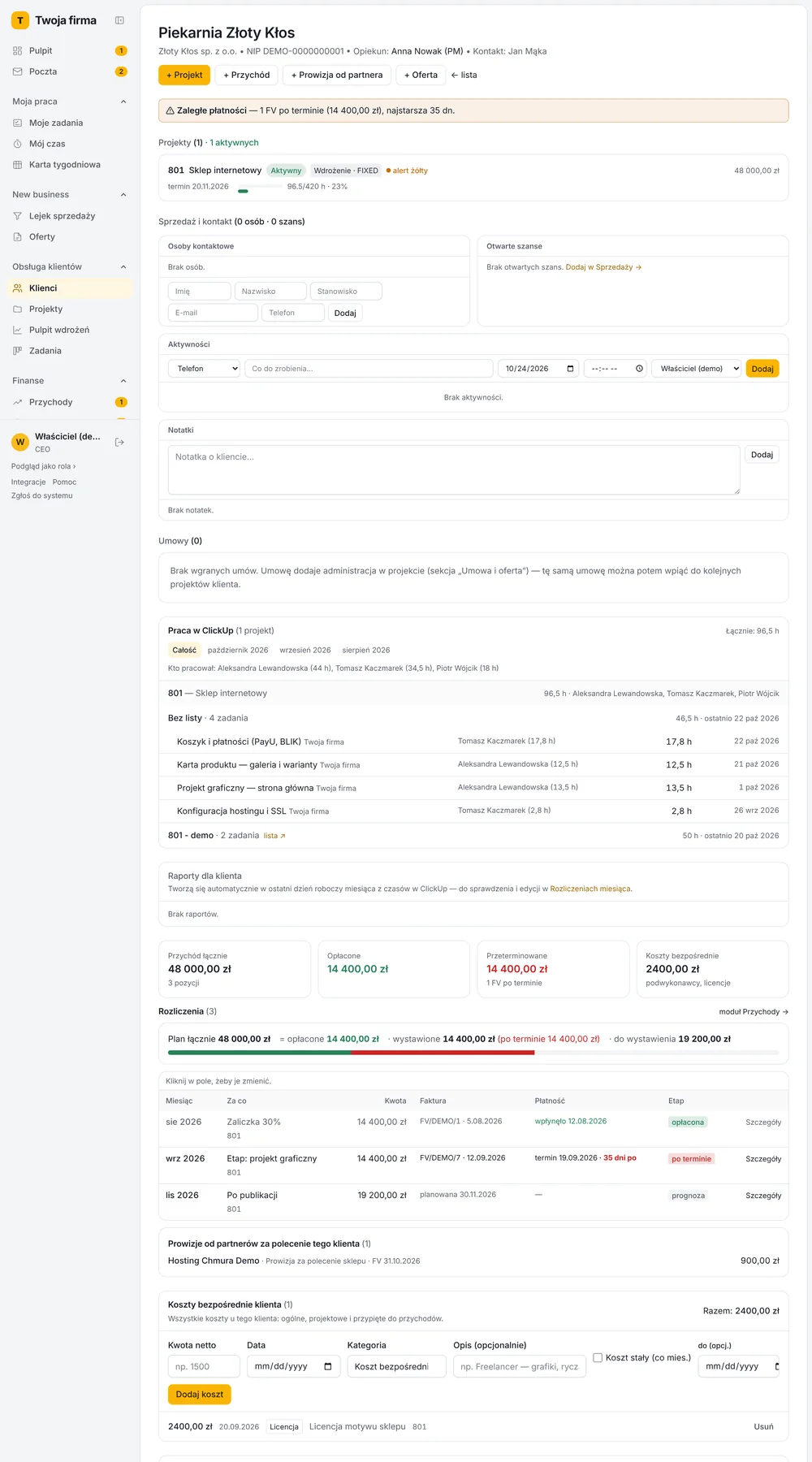
ERP, CRM, the shop, mail and spreadsheets connect into one flow, with no copying.
A person approves where it matters
For payments, contracts and replies to clients we set up staff approval.
Company data under control
We choose models and settings under which company data is not used to train models, and every step of the automation is kept in the history.
Let's check how much work a system can take over in your company. Book a free assessment.
Book a free assessment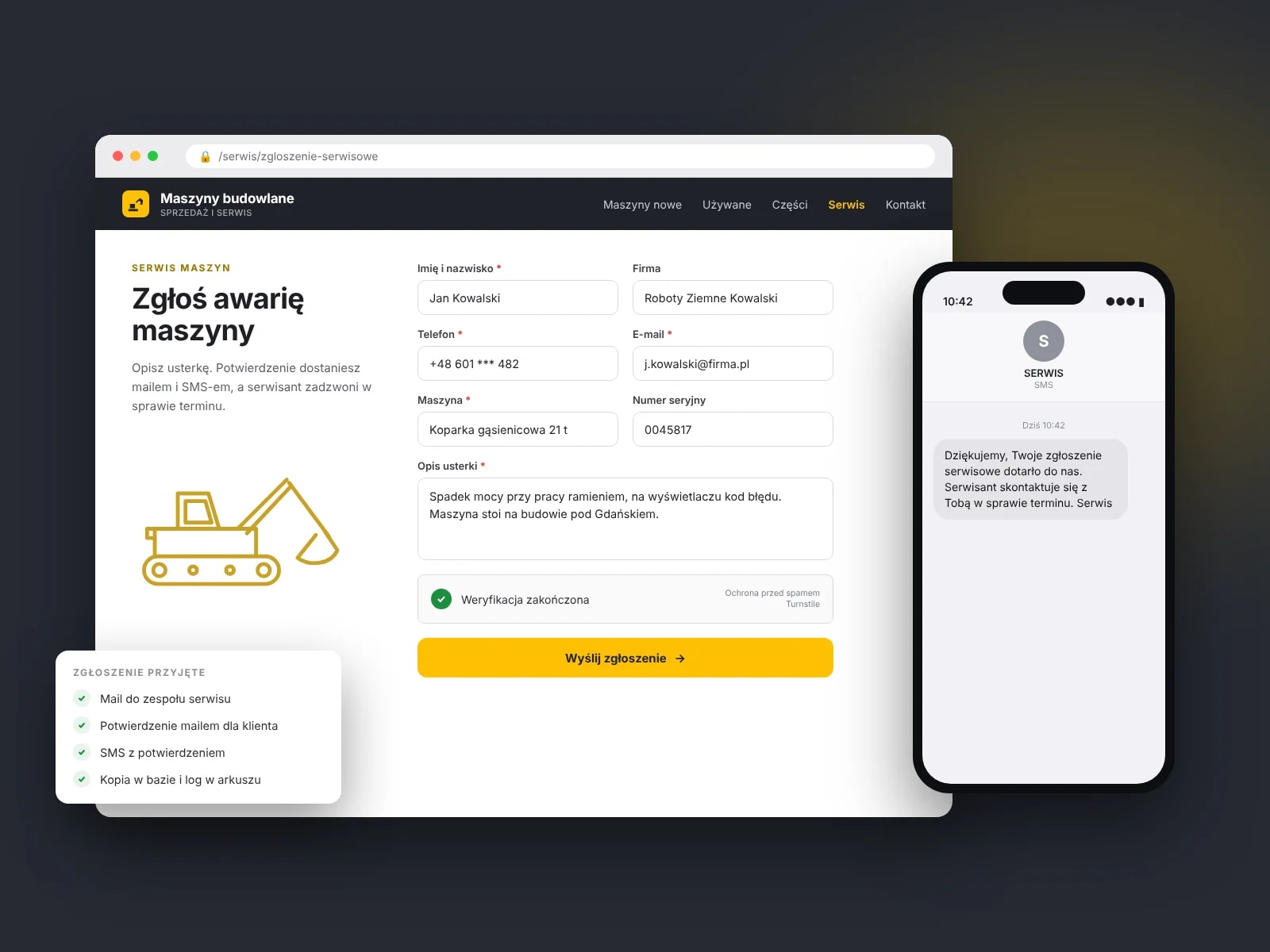
What we automate most often
Flow of invoices and cost documents
Problem
Invoices arrive by e-mail, and accounting retypes them and matches them to orders.
Result
AI reads the invoice and compares it with the order, and the data goes into the accounting system with no retyping.
Handling client inquiries and e-mails
Problem
Your team answers the same questions about prices, deadlines and statuses.
Result
AI prepares a reply from the data in the system and the knowledge base. Nobody looks up prices and deadlines in several programs.
Taking orders from e-mails and files
Problem
Orders come in e-mails, PDFs and spreadsheets, each in a different format.
Result
AI recognizes products and quantities, creates the order in the ERP and flags unusual cases for review.
Reports and summaries for management
Problem
The weekly report is put together by hand from several systems.
Result
The report is created automatically on a set day, with an AI comment on the most important changes.
Knowledge assistant for your team
Problem
Employees search documents for procedures, price lists and answers, or ask colleagues.
Result
The assistant answers questions based on company documents and shows where the answer came from.
Does the automation need a place where your team sees and approves results? For that we build internal systems.
Internal systemsFrom a process description to a working automation
Free assessment
You describe the process that takes up most of your team’s time. We calculate how many hours a month automation can take over and give you a preliminary quote.
Process map
We lay out the steps, data and systems and point out what AI can take over and what stays with people.
Contract
We write up the scope and schedule in one document, which we sign before we start.
Pilot
We launch the automation on a selected part of the process and check the quality of results together with your team.
Implementation
We switch the automation on across the whole process, with the settings that worked in the pilot.
Team training
We show how to check results and what to do when the automation does not recognize something.
Subscription
We look after how it runs and the quality of results, and add more processes under the subscription.
Free assessment
You describe the process that takes up most of your team’s time. We calculate how many hours a month automation can take over and give you a preliminary quote.
Process map
We lay out the steps, data and systems and point out what AI can take over and what stays with people.
Contract
We write up the scope and schedule in one document, which we sign before we start.
Pilot
We launch the automation on a selected part of the process and check the quality of results together with your team.
Implementation
We switch the automation on across the whole process, with the settings that worked in the pilot.
Team training
We show how to check results and what to do when the automation does not recognize something.
Subscription
We look after how it runs and the quality of results, and add more processes under the subscription.
How we price the work
We give a preliminary quote after the assessment and an exact one after the process map. That amount does not change during the implementation.
Get a quote- 01
Automation implementation
The price depends on the number of steps, systems and document types.
Fixed price
- 02
After launch
Hosting, monitoring, an agreed response time and team hours for changes and further automations.
Subscription
This offer is not for companies that only want to buy their team access to ChatGPT. We automate specific processes connected to your systems.
What clients ask us
before they decide
The questions we hear most often in the first conversation.
No. We use services and settings in which company data is not used to train models. For sensitive data we choose the model and the place of processing together with you.
We keep staff approval for important steps. We check the quality of results in the pilot, before the automation covers the whole process.
Any system that has an API or a data export: ERP (Comarch, WAPRO, Subiekt), CRM, online shop, mail, Google Drive, Excel and Google Sheets.
Claude models and models from other providers. We build the flows in code or in tools such as Make and n8n, depending on the process and scale.
It takes over repetitive steps. Your team looks after clients and matters that need a decision, and the company can grow without hiring more people to retype data.
Your company does. We hand you the intellectual property rights (economic copyright) to the automation, and the data in your systems stays yours.
Not sure how AI can help your company?
Tell us what you do. We will show you what is worth improving and how much you can save.